#
Series
2/4/2026

First-party data in online advertising, part 2: How to collect it and send it to media systems

First-party data in online advertising, part 2: How to collect it and send it to media systems

In the first part of our series on using first-party data in online advertising, we explained why first-party data is important for media targeting and improving campaign performance. In this part, we will take a closer look at how to collect first-party data correctly and send it to media systems. We will go through the full journey of first-party data, from the dataLayer through normalization and hashing to sending it via server-side Google Tag Manager (sGTM) to Google Ads and Meta. The goal is to give you a practical guide that you can implement right away, including code snippets, edge cases, and the places where things most often break in practice.

The good news is that sending first-party data to advertising systems is not technically difficult in itself. The catch is that the details that matter are hidden in normalization, hashing, and the exact way you package the data before sending it.  If you know how to do it, it is a one-afternoon task. If you do not, you will spend far more time debugging why a hash does not match, why data is missing in the platform, or, in the worst case, you may not even realize there is a problem at all. 

This article will save you both. We will go through the full technical flow, from collecting data in the dataLayer through normalization and hashing to sending it to Google Ads and Meta:

1. A user performs an action on the website, such as a purchase or form submission,    during which they provide their personal data. The website pushes this data into    the dataLayer object user_data.

2. The browser GTM container captures the dataLayer event and, for example, a    GA4 tag, although other trackers and templates can also be used, sends the hit to    your sGTM endpoint, not to Google servers, together with these details.

3. On the sGTM side, the hit is received by the GA4 Client, a special component in    sGTM whose role is to recognize the format of incoming data and process it    correctly. It receives the incoming payload and transforms it into the so-called    Event Data Object, a structured data object. This object contains all fields sent    from the browser, including the user_data object.

4. Then the relevant tags are triggered:

    a. The Google Ads Conversion Tracking tag on a specific conversion event, such         as purchase, automatically parses user_data from the Event Data Object,         performs SHA-256 hashing of the fields in the user_data object, and sends the         conversion hit to Google Ads servers. To be honest, the setup is actually hybrid:         the Google Ads tag in sGTM returns an instruction in the HTTP response for the         GA4 library in the browser to perform a redirect to the DoubleClick domain for         third-party cookie stitching.

    b. The Meta (Facebook) CAPI template, whether you use the official Meta one or,         for example, the Stape.io template, also automatically takes user_data from the         Event Data Object. Be careful here: it does this even if you do not set the data         manually and directly.

5-part series

First-party data

This article is part one of our five-part series on collecting and using first-party data in campaigns. New parts are published regularly on our blog.

Explore the full series

Collecting user data: the dataLayer as the foundation 

Collecting first-party data starts on your website, specifically at the moment when the user gives you their details: during registration, order submission, or newsletter sign-up. The standard approach is to push the data into the dataLayer. Even here, you can run into the first pitfalls.

A few key best practices:

- user_data must be part of the same push as the event, because GTM processes   data in the context of a specific event. Data pushed separately may not be   available when the tag is triggered.

- Before pushing new ecommerce data, the previous state or contents of the data   layer should always be cleared: dataLayer.push({ ecommerce: null });. This   prevents data from “leaking” from previous events.

- Even though Google documentation claims otherwise, it is not enough to add   user_data only to the Google tag (the configuration tag). Add it to individual GA4   event tags as well, such as purchase, generate_lead, and so on. Several   specialists agree that adding it only to the config tag is not always reliable.

- If a value from user_data is not available, simply omit the field. Never send a   placeholder, such as an empty string, "unknown", "N/A", and so on. The systems will   hash the placeholder and use it as a valid identifier, effectively merging all users   without that value into a single profile. The result is distorted analytics both in   advertising platforms and in GA4.

Edge case: In practice, first-party data is often not available at the exact moment of the conversion event. A typical example: you know the email from a login on another page, but on the thank-you page with the order confirmation, you no longer have access to it. A combination of sGTM Transformations + Firestore lookup: can solve this:

  • When the user logs in or registers, you store user data in Firestore, using client_id or user_id as the key.
  • On the conversion event, where the data is missing from the dataLayer, you use an Augment Event Transformation in sGTM together with a Firestore Lookup variable.
  • The transformation enriches the Event Data Object with the stored data before any tag accesses it.

This pattern has a major advantage: sensitive data such as email or phone number does not have to pass through the browser at all. sGTM pulls it directly from the database. Simo Ahava describes this elegantly: “All you need to capture on the frontend is the transaction_id, and in sGTM you can use Firestore or an HTTP API to fetch the full ecommerce data, including the actual profit instead of the value from the frontend.”

SHA-256 hashing

A fundamental element of first-party data implementation is hashing. In the world of advertising platforms such as Google or Meta, one specific algorithm is used as the standard: SHA-256. It is a one-way hashing algorithm that converts any input into a 64-character hexadecimal string. Google, Meta, as well as Reddit, X, Pinterest, TikTok, and others use SHA-256 to match first-party data against their database of logged-in users. The key decision is where to hash. On the client side, in the browser, or on the server side, in sGTM? 

The good news: if you want to save yourself work and avoid unnecessary complications, from a practical perspective you do not have to handle hashing manually. All tags and templates for Google Ads and Meta Pixel/CAPI perform hashing automatically, whether in the browser or on the server. The Google Ads tag automatically hashes user_data fields before sending them, and the Meta CAPI tag, both the official Facebook template and the Stape template, does the same. In addition, they can detect whether the data is already hashed, and in that case they do not hash it again. 


However, the question is not only technical, but also security-related. Do you want to entrust the protection of sensitive data to an automated script from Google or Meta? If not, there are essentially three possible levels of protection: 

1. Hash the data before sending it to the data layer, so the raw email or phone    number never appears in the browser. 

2. Omit personal data in the browser and send it from your CRM, then hash it using a    function in server-side GTM. 

3. Hash the data on your own server or backend before sending it to sGTM. 

Each of these options has different implementation requirements and a different security impact. We will cover the question of when and where to hash in more detail in one of the next parts of this series

Data normalization before hashing 

Normalization is the step that determines whether your data will be useful at all. A poorly normalized hash will not match the platform’s database, and the conversion will not be attributed. In addition, Google and Meta have different rules in several areas, so one function for both is not enough. 

Google documentation: https://developers.google.com/google-ads/api/docs/conversions/upload-offline#prepare-data 

Meta documentation: https://developers.facebook.com/docs/marketing-api/conversions-api/parameters/customer-information-parameters/#formatting-the-user-data-parameters

Email

Both platforms require conversion to lowercase and removal of leading and trailing spaces, meaning trim. The key difference is how Gmail addresses are handled. Google Ads Enhanced Conversions requires dots to be removed from the username part of addresses on gmail.com and googlemail.com, as well as removing everything after the + sign, meaning plus-addressing. Meta CAPI does not require this. Its documentation explicitly states only trim and lowercase. Removing dots from a Gmail address for Meta would result in an incorrect hash.

Field Input Google Meta
E-mail Jan.Novák+tag@gmail.com jannovak@gmail.com jan.novak+tag@gmail.com

Phone number

Both platforms require a format with a country prefix:

- Google requires E.164 format with a leading +.

- Meta requires practically the same thing, but without the + sign, only digits including the country code.

No spaces, hyphens, or brackets. Always include the country code, even if all your data comes from one country.

Field Input Google Meta
Phone 731 458 920 +420731458920 420731458920

First and last name

Both platforms: lowercase, without punctuation. Meta additionally requires removing special characters, but Czech diacritics are OK and should be preserved.

Field Input Google Meta
First name Novák novák novák
Last name Červený červený červený

AdDresS

Meta hashes all address fields, meaning city, state, ZIP code, and country, while Google hashes only first name, last name, and street address. City, region, postal code, and country are sent in plaintext. For Google, the country must be in ISO 3166-1 alpha-2 format, such as CZ, SK, DE, while Meta expects lowercase, such as cz, sk.

Field Input Google Meta
Street Hlavní 456 hlavní 456 hlavní 456
City Brno Brno (plaintext) brno
Region Jihomoravský kraj Jihomoravský kraj (plaintext) jihomoravský kraj
Postal code 602 00 602 00 (plaintext) 60200
Country - CZ cz

How should you normalize?

Ideally, normalization should already happen on the website, meaning your developer should send normalized, and potentially already hashed, personal data directly into the data layer. If that is not possible for some reason, you can write your own normalization function in GTM. It might look something like this: 

Google:

function normalizeEmail(email, platform) {
  email = email.trim().toLowerCase();
  if (platform === 'google') {
    const [user, domain] = email.split('@');
    if (['gmail.com', 'googlemail.com'].includes(domain)) {
      let cleanUser = user.replace(/\./g, '');
      if (cleanUser.includes('+')) {
        cleanUser = cleanUser.substring(0, cleanUser.indexOf('+'));
      }
      return cleanUser + '@' + domain;
    }
  }
  return email;
}

function normalizePhone(phone, platform) {
  let digits = phone.replace(/[\s\-\(\)]/g, '');
  if (!digits.startsWith('+')) digits = '+' + digits;
  // Meta: without +
  return platform === 'meta' ? digits.replace('+', '') : digits;
}

Meta:

function normalizeEmailMeta(email) {
  return email.trim().toLowerCase(); // no gmail dot-stripping
}

function normalizePhoneMeta(phone) {
  let digits = phone.replace(/[\s\-\(\)]/g, '');
  if (!digits.startsWith('+')) digits = '+' + digits;
  return digits.replace('+', ''); // no +: 420234567890
}

Specific requirements for Google Ads 

Minimum requirement: at least one identifier, meaning email, phone, or a complete address: first name + last name + postal code + country. If you send only first name and last name, it will silently fail, so it is better not to send an incomplete address.

Implement fallback logic: if a phone number is not available, send at least an email. If you have neither, the conversion will still be sent. The platform will not match it, but it may count it as an unattributed conversion and use modeling.

Specific requirements for Meta Ads 

Meta hashes all customer information fields: email, phone, first name, last name, city, state, ZIP code, and country. In Meta Ads, your events receive an Event Match Quality (EMQ) score, which is Meta’s score on a scale from 0 to 10 that evaluates matching quality.

Your goal should be to reach 6+ for key conversion events, ideally 8+ for purchase. Adding a hashed email brings roughly +4 points, while a phone number adds about +3 points. It is better to send fewer accurate, correctly normalized parameters than many poorly processed ones.

Measure Notes

MeasureNotes is our newsletter, where from time to time you’ll find:

  • Insights and practical tips from real projects (measurement implementation, BigQuery, server-side tracking, first-party data, and conversational analytics).
  • An overview of the latest articles from our blog.
  • News and trends in digital analytics worth keeping an eye on.
  • Invitations to community events, training sessions, and meetups.

We only send it when we have something worth sharing. No spam. No PR fluff.

By submitting the form, you consent to the processing of your personal data for the purposes of email communication. Terms of use & Privacy policy

Setup in GTM and sGTM

Prerequisites

- First-party data in the data layer

- A GTM container deployed on the website

- Server-side measurement with sGTM set up, either through your own server in GCP or a third-party provider

1. Assume you have data deployed in the data layer with the purchase event

window.dataLayer.push({
  event: 'purchase',
  ecommerce: {
    transaction_id: '78342916504217',
    value: 249,
    tax: 43.21,
    shipping: 0,
    currency: 'CZK',
    coupon: '',
    items: [
      {
        item_id: 'ALZMNTB01',
        item_name: 'Alzament PLA Basic 1kg Black',
        item_brand: 'Alzament',
        item_category: 'Počítače a notebooky',
        item_category2: '3D tisk',
        item_category3: 'Filamenty pro 3D tiskárny',
        price: 249,
        quantity: 1,
        index: 0
      }
    ]
  },
  new_customer: true,
  customer_type: 'new',
  user_data: {
    email: 'jan.novak@example.cz',
    phone_number: '+420731458920',
    address: {
      first_name: 'Jan',
      last_name: 'Novák',
      street: 'Hlavní 456',
      city: 'Brno',
      region: 'Jihomoravský kraj',
      postal_code: '602 00',
      country: 'CZ'
    }
  }
});

2. In GTM, create a Data Layer Variable for each data point

Image 1: Example of a Data Layer Variable for email in browser GTM

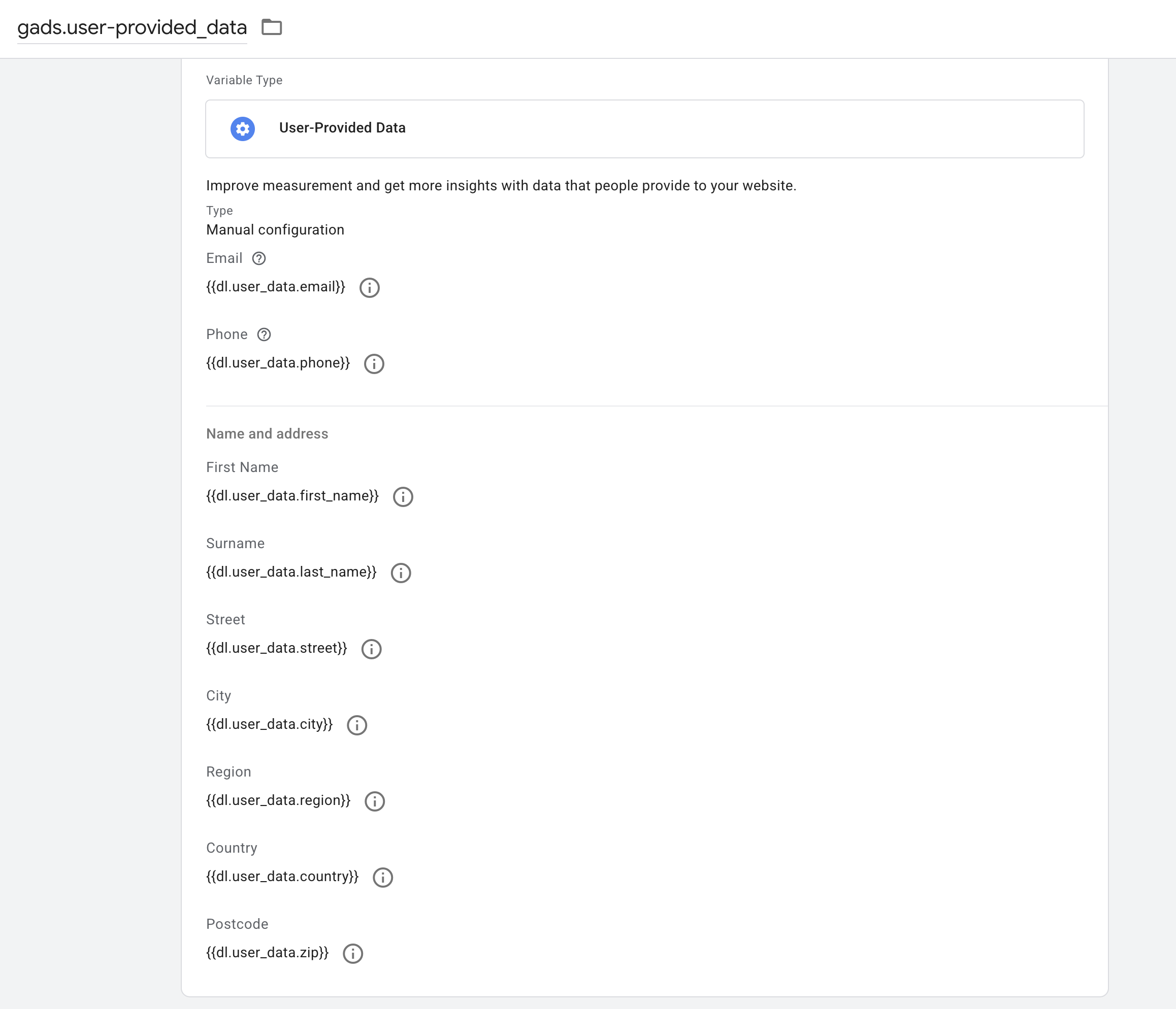
3. For Google Ads, use these variables to populate the “User-Provided Data”    variable

Image 2: Example of a structured user_data object in a variable called “User-Provided Data” in browser GTM

4. In browser GTM, you can configure first-party data sending for Meta tags using    the official Meta template, Meta Pixel. Simply check “Enable Advanced Matching”    and then fill in the relevant fields:

Image 3: Example of variables added to the Meta Pixel template in browser GTM

5. To send first-party data to the server, you need to add the User-provided data    variable to your transport GA4 tag as part of the config parameters. Alternatively,    you can send individual first-party variables separately using another type of    transport tag, such as a Data tag.

Image 4: Example of the user_data event parameter added to the Google Tag: Event Settings variable in browser GTM

6. In sGTM, thanks to the previous step, you will receive the user_data object    together with the purchase event. This will happen whenever the data is available    in the data layer. For measuring conversions in Google Ads, you are done: the tag    automatically takes the data from the user_data object. At this point, Google Ads    conversion measurement is taken care of: the tag    automatically reads the data    from the user_data object.

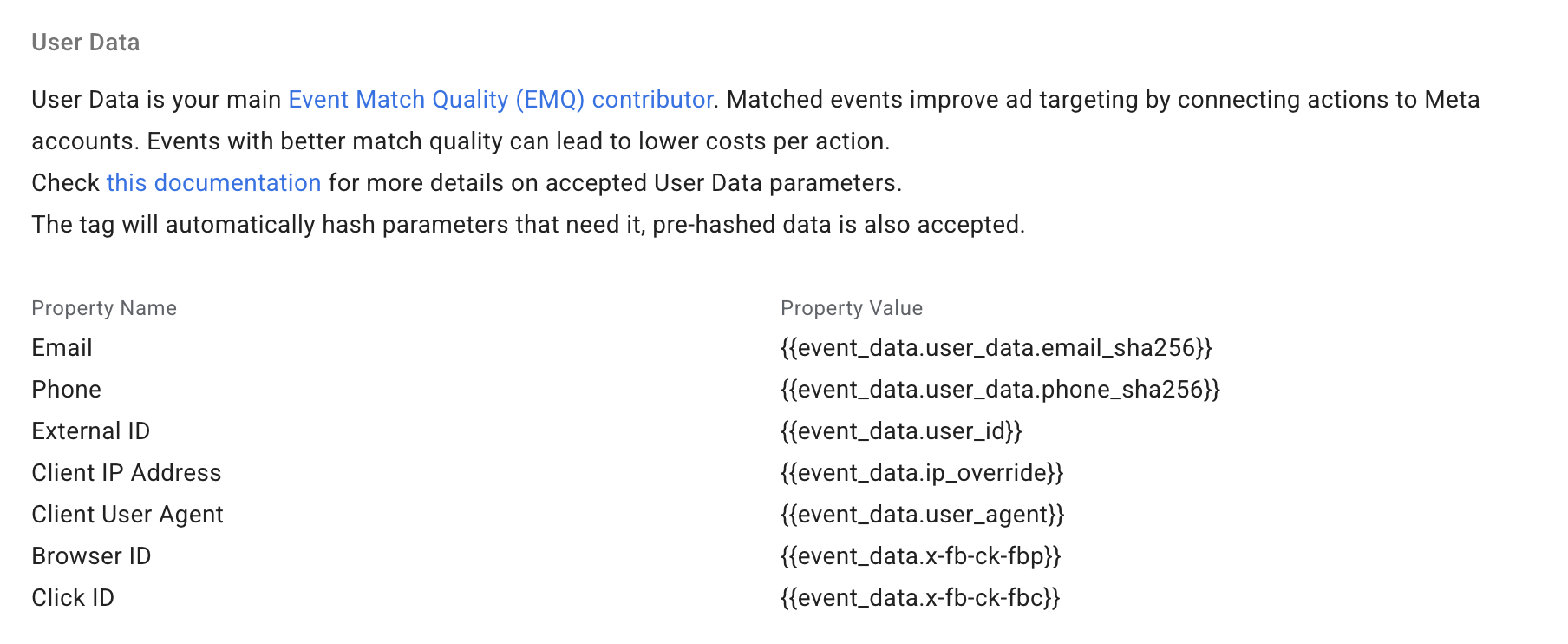
Now all that remains is to configure the sending of user data for Meta Ads server-side tags, whether you use the Meta template or the Stape template.

Image 5: Example of variables added to the Meta CAPI template in server-side GTM

After deployment, it is a good idea to validate that everything is working as expected: that the data is arriving in the correct format and being sent correctly.

In GTM preview mode:

-> web GTM

    -> Check that user_data is being populated correctly, both as individual values         and as an object:

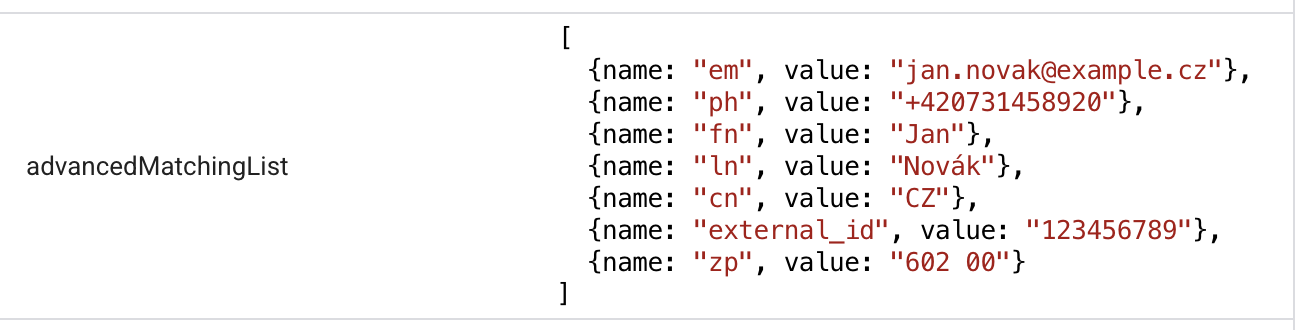
Image 6: Example of variables from the data layer in GTM preview mode in the browser
Image 7: Example of a structured user_data object in the data layer in GTM preview mode in the browser

    -> Also check that the data is being sent to the Meta tag and to sGTM in         conversion tags:

Image 8: Example of variables sent in the Meta Pixel tag in GTM preview mode in the browser
Image 9: Example of variables sent in the GA4 tag in GTM preview mode in the browser

With this, you have the basic architecture ready: data flows from the dataLayer through sGTM into both Google Ads and Meta, and it is correctly normalized and hashed. That is the harder part. 

But how do you know whether it actually works? 

A low match rate can have three different causes, and each one requires a different solution. In the next part, we will go through debugging: how to read signals in GTM preview, what Google Tag Diagnostics can tell you, and how to interpret the Event Match Quality score in Meta. In other words, how to verify that all the work you have just done is actually producing results.

Coming up

In the next installments

In the following parts of this series, we will cover:

  • Debugging and how to verify that everything works as it should
  • Security, client-side vs. server-side hashing, and consent management
  • Uploading data from CRM and offline conversions
  • Setup specifics in Google Ads, Meta, Sklik, and other platforms
Explore the full series

Authors

#
Series
First-party data in online advertising, part 2: How to collect it and send it to media systems
2/4/2026

In the first part of our series on using first-party data in online advertising, we explained why first-party data is important for media targeting and improving campaign performance. In this part, we will take a closer look at how to collect first-party data correctly and send it to media systems. We will go through the full journey of first-party data, from the dataLayer through normalization and hashing to sending it via server-side Google Tag Manager (sGTM) to Google Ads and Meta. The goal is to give you a practical guide that you can implement right away, including code snippets, edge cases, and the places where things most often break in practice.

#
Blog post
ClickUp MCP testing
15/3/2026

As data analysts, we are constantly looking for ways to make our work more efficient. Since our company runs on ClickUp, we decided to test ClickUp MCP - a tool that lets you control ClickUp through AI assistants. In this article, we share our hands-on experience, the limitations we ran into, how secure access tokens really are, and who this solution actually makes sense for.

#
Series
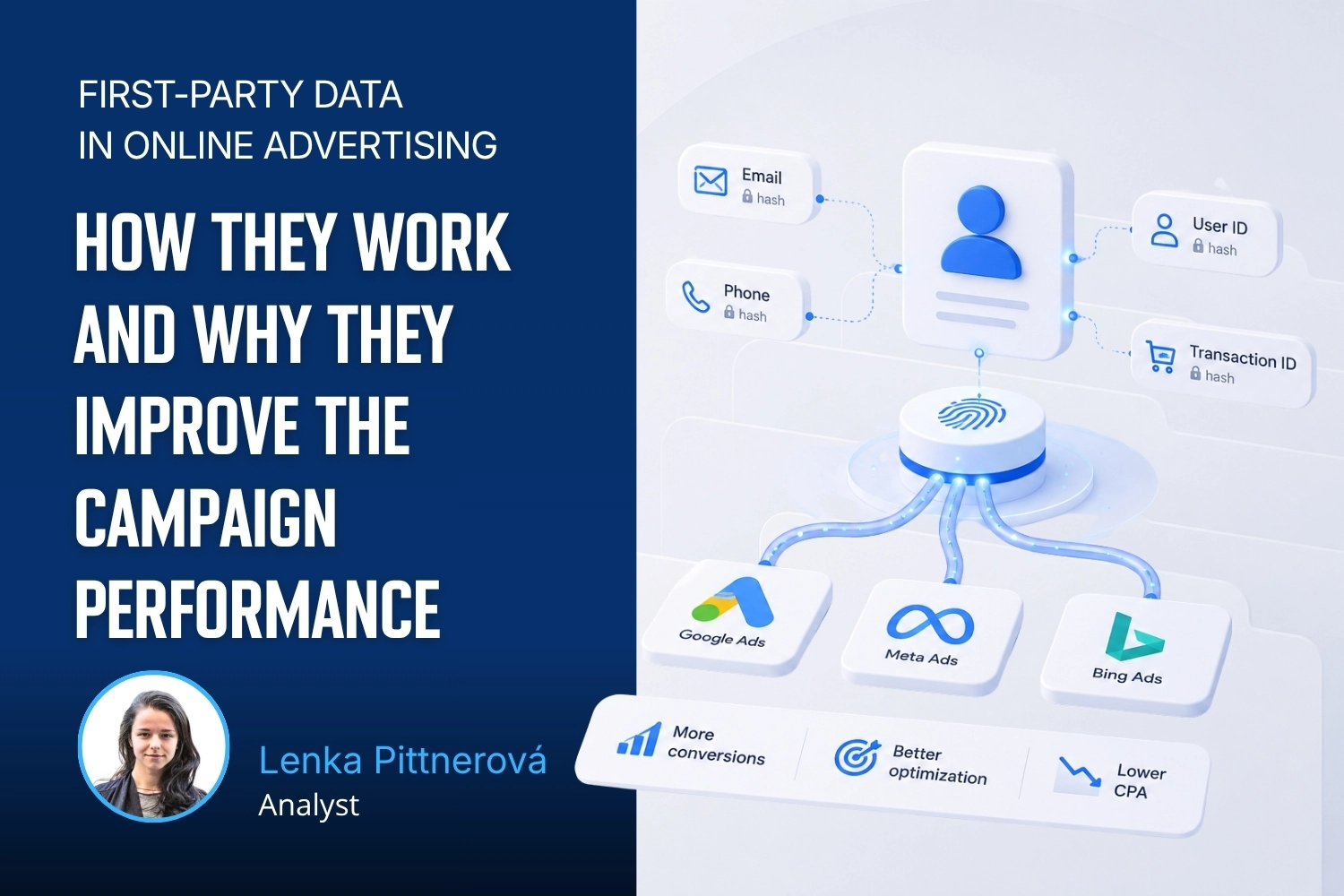
First-party data in online advertising: part 1: How they work and why they improve the campaign performance
23/2/2026

The cookie apocalypse and the many other attempts at coming up with an original name for the end of third-party cookies in Google Chrome thankfully stopped haunting our LinkedIn feeds sometime in early 2024. What it did do, however, was spark an industry-wide conversation about working with first-party data . That is proving to be a key step toward better measurement and stronger campaign performance today.

#
Blog post
How we migrated 250 media tags to the server - and how it all turned out
14/1/2026

With the rise of server-side measurement, we are increasingly implementing server-side tracking for our clients not only for analytics, but also for advertising platforms. In this article, I want to share our experience with a server-side implementation of media tags for a larger client - what we learned along the way, which templates we used, and what to watch out for.

#
Blog post
Analytics Workshops at Agencies
20/12/2025

This year, I led several workshops at digital and media agencies. The scenario was usually similar: at some community data/analytics event (or more often at the afterparty), I'd connect with the team leader of their analytics department and we'd arrange a workshop aimed at helping their internal team level up. The goal was to share not only current technical know-how and best practices, but also how to demonstrate the value of digital analytics to clients and which measurement use cases deliver the greatest real-world impact.

#
Blog post
Analytics is a great career path for women - including moms returning from (or during) maternity leave
20/11/2025

I studied economics and spent many years working as a project manager in an agency. But coordinating other people’s work wasn’t enough for me — I wanted to truly master something myself. I’ve always enjoyed math, so I gradually, almost naturally, shifted into analytics. I started around 2014 as a self-taught analyst, later began working with Vašek Jelen, and in 2020 we founded MeasureDesign together. I quickly realized this field was exactly what I’d been looking for — it satisfies my curiosity, my need to dig into details, and my desire to bring a bit of “ordnung” into things. In the whirlwind of running a household, taking care of kids, and navigating global chaos, data feels oddly calming. At the same time, it lets me use my creativity when I play detective and hunt down measurement issues like a modern-day Miss Marple. I genuinely believe analytics is a great career for women in general. And yet, there still aren’t many of us in the field.
#
Blog post
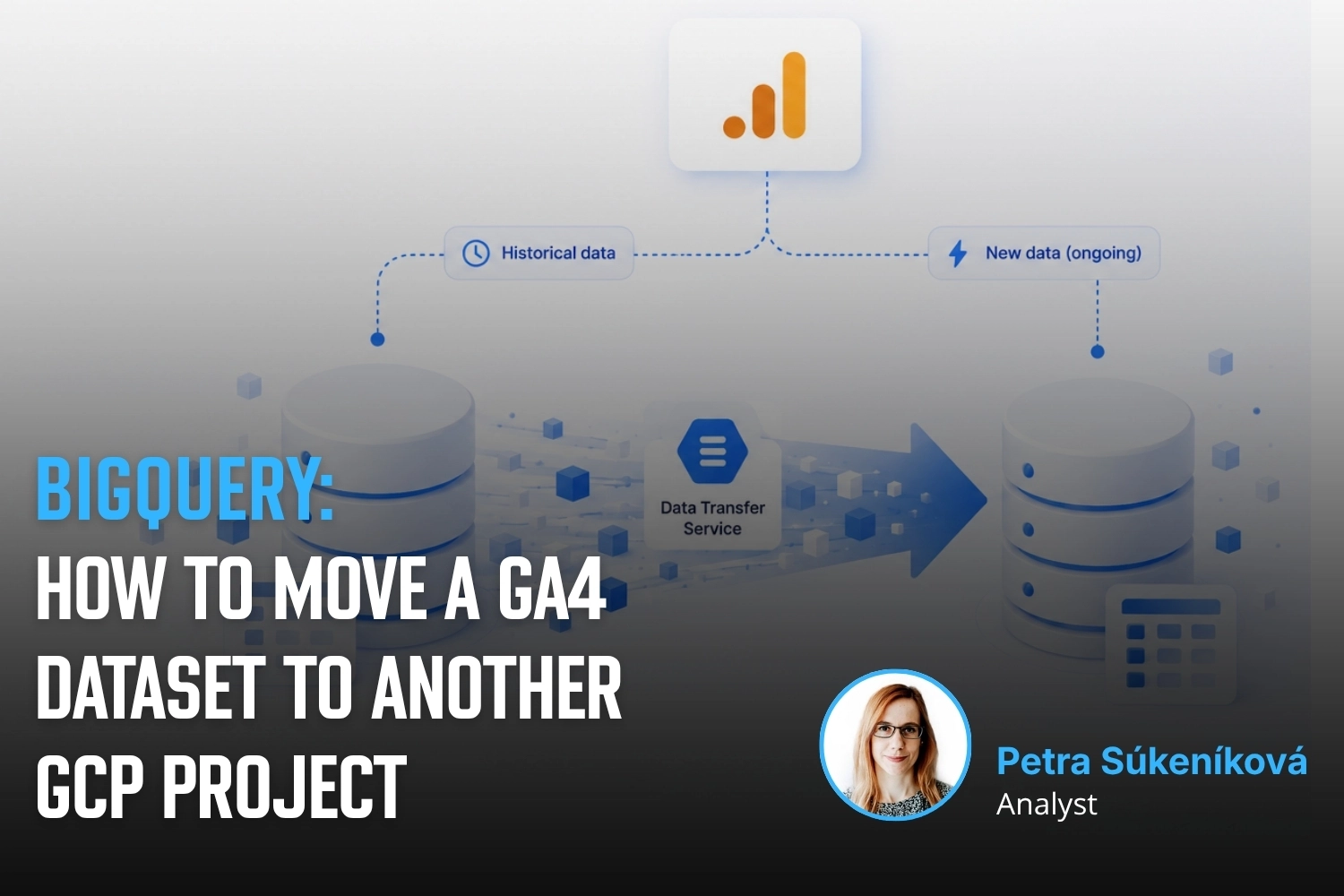
BigQuery: How to move a GA4 dataset to another GCP project
1/11/2025

Sometimes you need to move historical data from a Google Analytics 4 export to a different BigQuery project – for example, when changing your project structure, switching to a new billing account, or consolidating data. In this article, we’ll show how to copy GA4 datasets using BigQuery Data Transfer Service (there are other methods as well).

#
Blog post
Reshoper 2025
15/10/2025

Reshoper advisory zone and several hours of consultations for trade fair visitors - this year held in the pleasant surroundings of the Křižík Pavilions at the Prague Exhibition Grounds. This year, I had the opportunity to experience Reshoper both as an advisor in the advisory zone and as a participant in the Roundtables.

#
Blog post
Hack Your Weekend
23/9/2025

From Idea to App in 48 Hours 🚀 I spent the third weekend of September at the Clubco CZ coworking space in Brno, taking part in the #HackYourWeekend hackathon. In a group of 60 people split into eight teams, we spent Friday through Sunday afternoon developing eight applications addressing real-world needs. We built everything in AI/LLM-supported development environments (our team used VS Code + Claude Code). The participants ranged from developers already building with AI to people like me who wanted to dive in and really try this kind of workflow for the first time.

#
Blog post
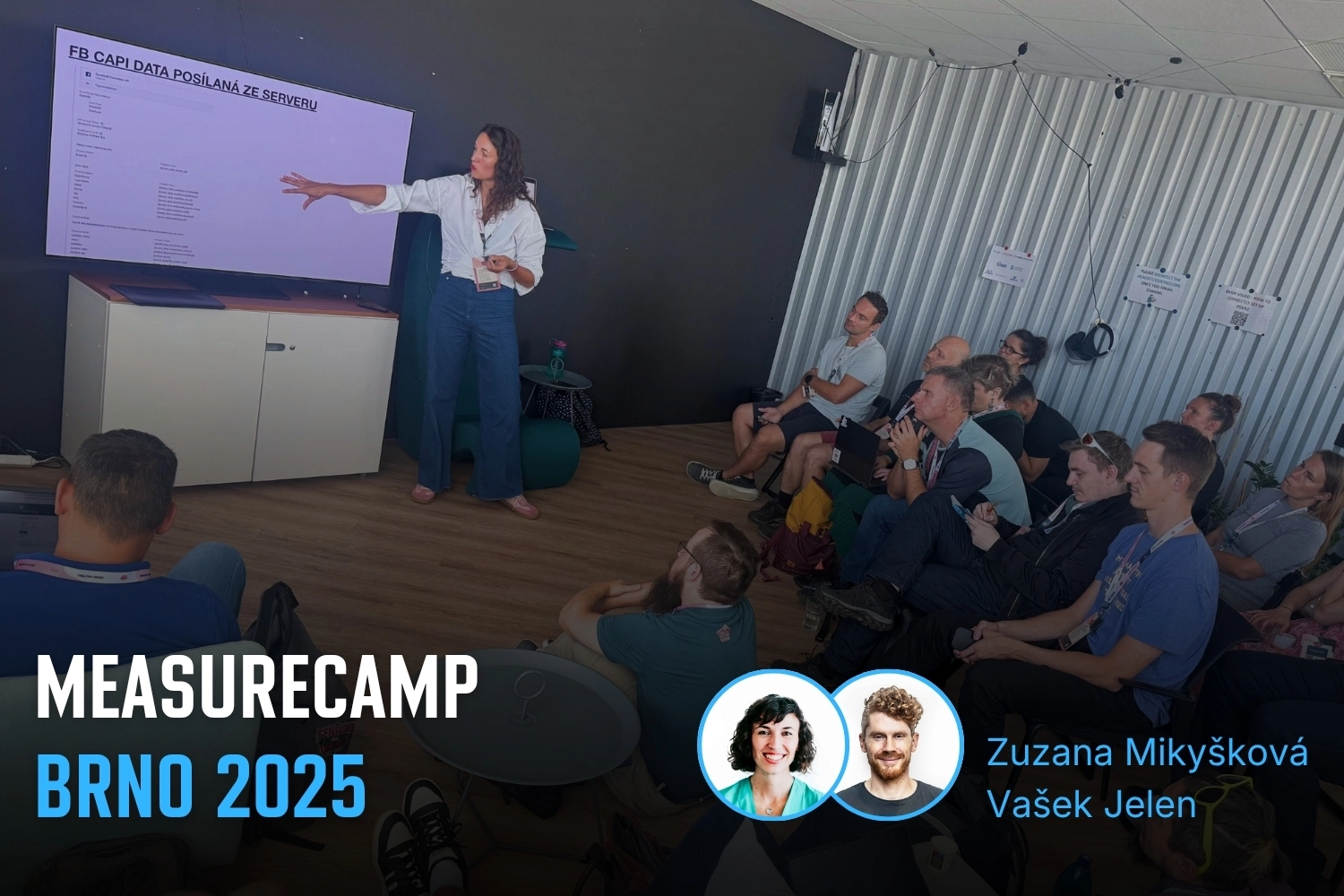
MeasureCamp Brno 2025
10/9/2025

On September 6, another edition of MeasureCamp - our favorite community event - took place at Brno’s Gen. We were thrilled to see that 74 women attended this year’s MeasureCamp (5.4% of them from our team 🙂), and it’s clear that the number of women in data and analytics continues to grow 🚀.

#
Blog post
PPC summer camp
20/8/2025

I'd like to add to the wave of positive reactions to the PPC Camp. It's an event where several dozen PPC specialists come together for a weekend to share their know-how through presentations. The event has a wonderfully positive vibe, and it was interesting for me to see that knowledge sharing, collegiality, and solidarity work just as well in the PPC community as they do in the analytics community. But it doesn't happen on its own - my respect belongs to uLab, Markéta Kabátová and Petr Bureš for the energy they put into organizing the event and bringing people together.

#
Blog post
How to calculate the date of Easter in BigQuery
16/4/2025

Easter is a movable feast, and its date changes every year. If you work with data — whether you are analyzing seasonal traffic trends, comparing campaign performance, or planning marketing activities — it can be useful to know the exact dates of the Easter holidays. That is where a simple SQL script for BigQuery can come in handy.

#
Blog post
Visibility Thursday
25/2/2025

I received an invitation from Robin Stržínek at VISIBILITY DIGITAL to speak at their regular Visi Thursday event. I had the opportunity to share my experience with the practical applications of connecting GA4 with Google BigQuery and other Google Cloud Platform services.

#
Podcast
Socials: Vašek Jelen discusses GA4, server-side tracking, BigQuery and connecting customer data with campaign performance
19/11/2024

Socials podcast and 80 minutes of conversation with Daniel Bauer and Otakar Lucák about digital analytics, with a focus on e-commerce. The guys deal with a number of specific topics in their client work and had some great questions. Thanks to this, I think we kept it very practical, and the podcast includes our opinions on how to resolve real-life situations from practice.

#
Blog post
MeasureCamp Prague 2024: Using Google Ads export in Google BigQuery
10/9/2024

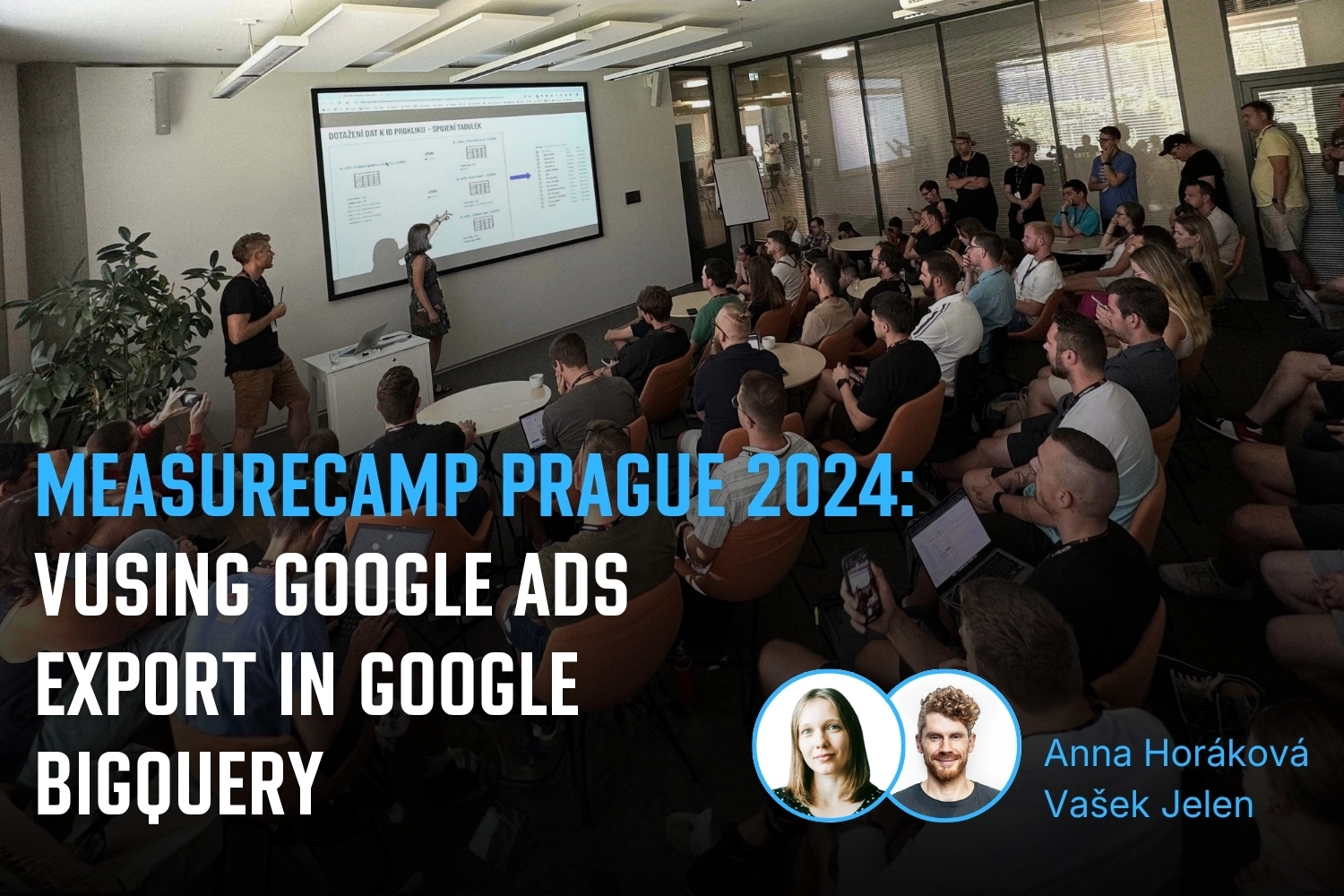
On Saturday, the ČSOB building in Prague was buzzing with analytics topics. A large part of the MeasureDesign team showed up for the 10th anniversary edition of MeasureCamp Czech Republic — and Vašek and Anička gave a talk on working with the Google Ads dataset in Google BigQuery.

#
Blog post
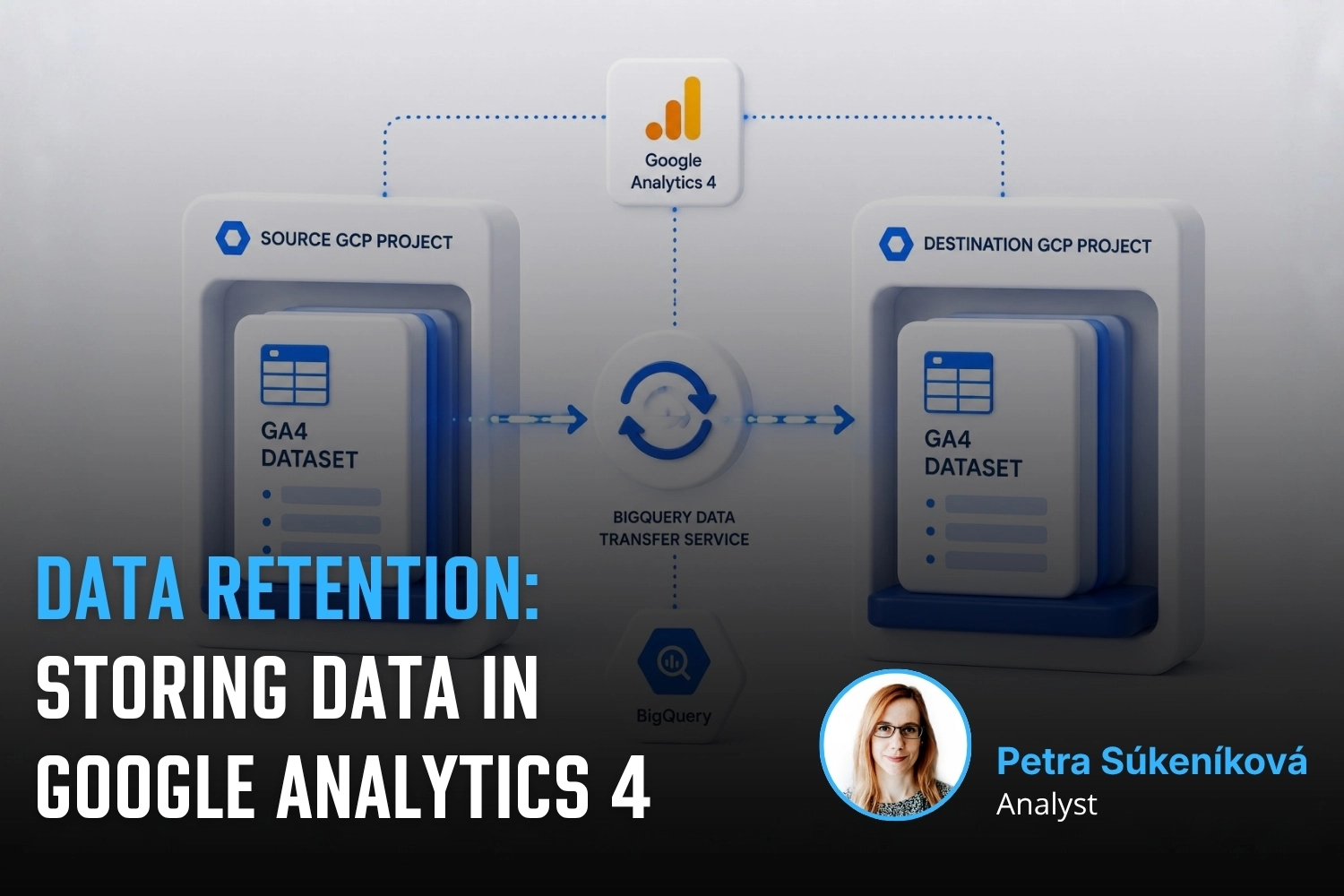
Data retention: Storing data in Google Analytics 4
31/8/2024

Data retention in GA4 determines how long information about users and events will remain available. By default, this period is only two months, which can limit your analysis options. In this article, you'll learn how to extend this period to up to 14 months (or 50 months with GA4 360) and what the retention setting does not affect.

#
Blog post
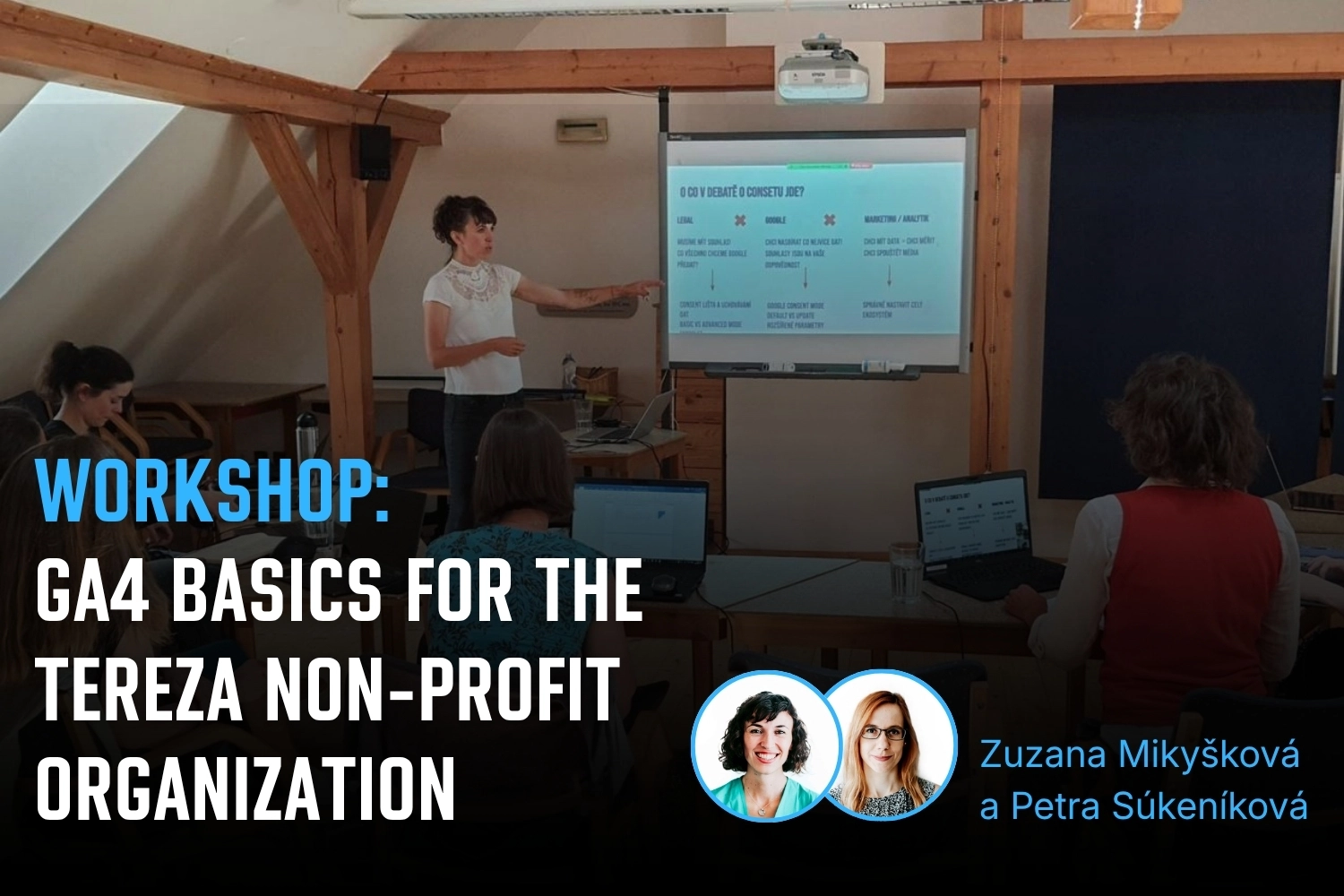
Workshop: GA4 basics for the Tereza non-profit organization
3/6/2024

On the last day of May, we spent time with the team from the Tereza non-profit organization, focusing on the basics of Google Analytics 4. We concentrated on the practical use of data, especially for the Učíme se venku ("Learning Outdoors") program, which helps teachers bring lessons from the classroom to the outdoors.

#
Blog post
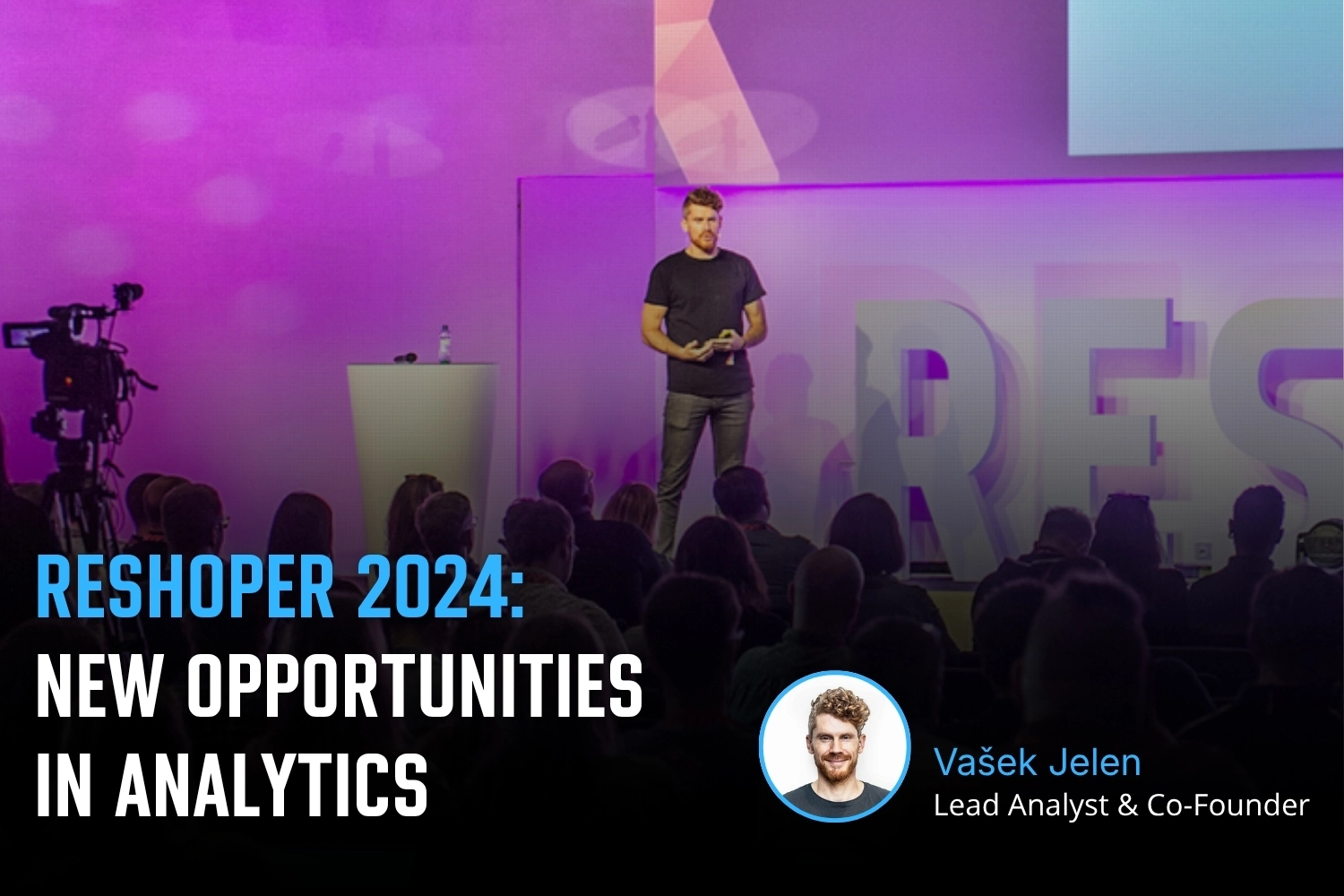
Reshoper 2024: New opportunities in analytics
20/5/2024

At the Reshoper conference, I had the opportunity to give a talk where I summarized new opportunities for e-commerce analytics. In the presentation, I shared my experience and approaches on how to get the most out of Google Analytics 4 — especially when combined with BigQuery and other Google Cloud services.

#
Blog post
Marketing Festival 2024: Learn to work with GA4 data in BigQuery and GCP
22/2/2024

This workshop focused on working with GA4 data in BigQuery and Google Cloud. My goal was to help participants move beyond the GA4 interface and show that working with raw GA4 data is not rocket science :) On the contrary, it is a valuable skill that is worth learning, because raw GA4 data hold huge potential for monetization and activation. I also shared real-world examples and reporting concepts from companies that rely entirely on BigQuery data. The participants were fantastic, and it was great to see how many people are actively exploring BigQuery and GCP. It felt like we were all on the same wavelength.

#
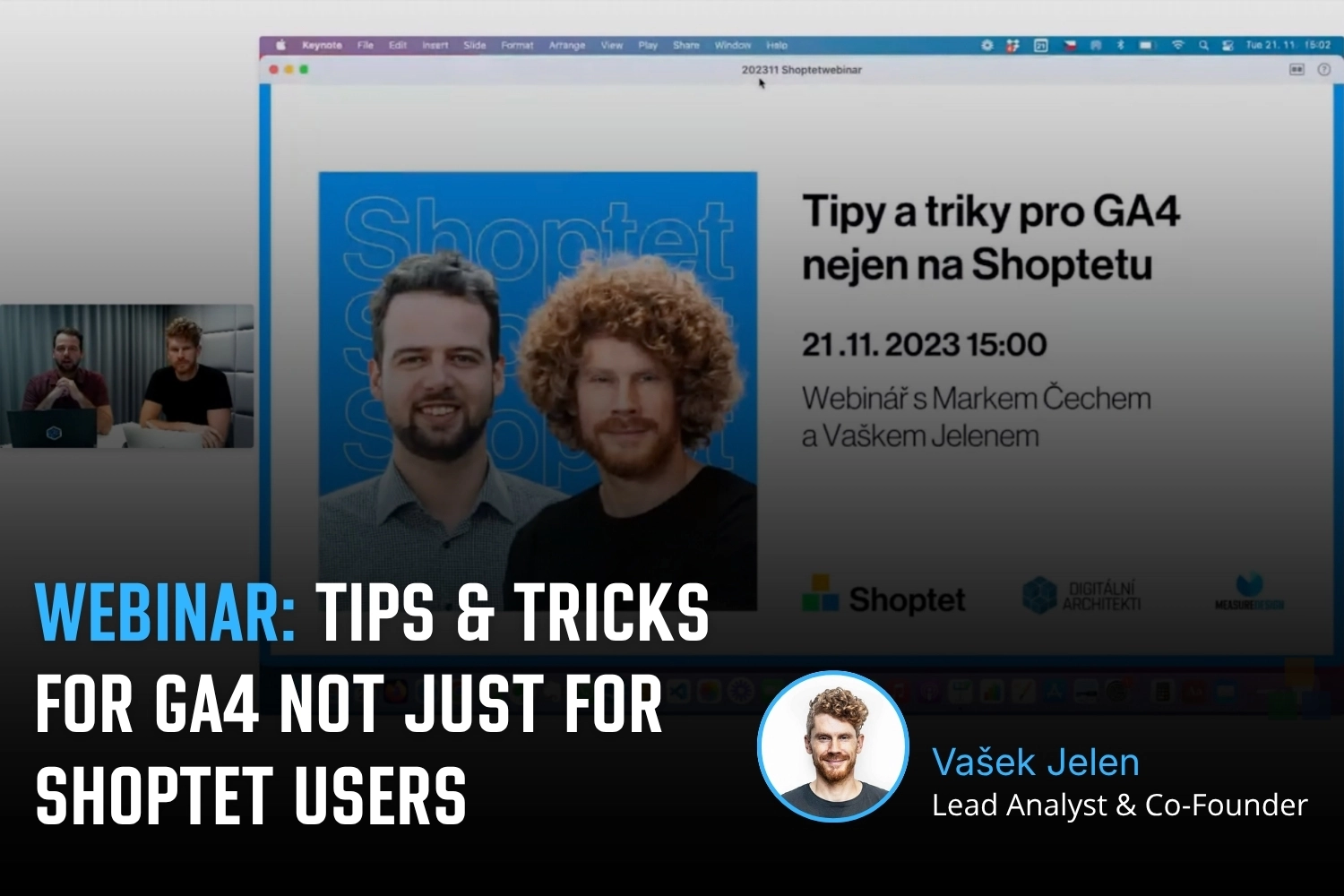
Webinar
Tips and tricks for GA4 not just for Shoptet users
25/11/2023

A recording of the public webinar we hosted with Marek Čech for Shoptet. The main topic was practical recommendations for evaluating campaigns in GA4 in connection with the upcoming Black Friday and Christmas season.

#
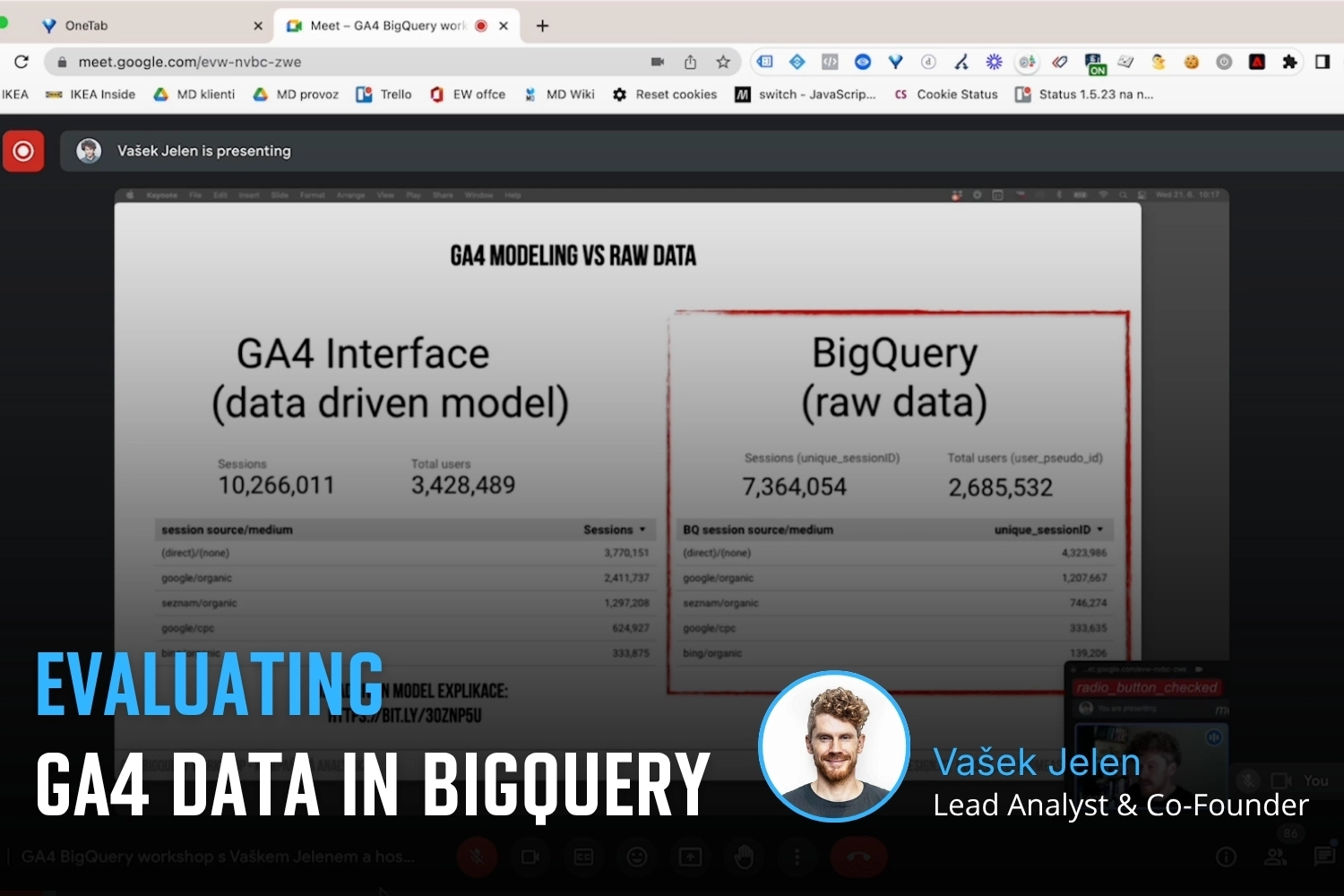
Webinar
Webinar: Evaluating GA4 Data in BigQuery
21/6/2023

Together with Vašek Ráš, we hosted a public webinar on evaluating campaigns using the GA4 dataset in Google BigQuery. Our guest speaker was Honza Tichý, who presented a section on DBT.

Vojtěch Černý
IT & Data Developer
Jiří Otipka
Analyst
Lenka Pittnerová
Analyst
Martina Kvasničková
AI & Data Research
Anna Horáková
Analyst
Zuzana Mikyšková
Analyst & Co-Founder
Vašek Jelen
Lead Analyst & Co-Founder
Blanka Hejduková
Back Office
Markéta Svěráková
Analyst
Petra Súkeníková
Analyst
Klára Belzová
Analyst
Vojtěch Černý
Vojtěch Černý
IT & Data Developer

Vojta works at MeasureDesign on developing technical and data solutions that are not only functional, but also practical and easy to use. He enjoys combining web development, automation, and data work to create solutions that make sense both from the user’s perspective and in terms of the technical foundations behind them. What he finds most rewarding is turning a more complex problem into a clean and reliable solution.

Jiří Otipka
Jiří Otipka
Analyst

Jirka has been working in marketing for over 10 years, and if there is anything he enjoys more than numbers themselves, it is connecting them. He loves mathematics and data analytics, and thanks to his interest in exploring source code, he can easily communicate with developers in their own language. At MeasureDesign, he specializes in connecting new data sources - building custom connectors in Python, testing data quality, and exploring which data combinations make the most sense from a business perspective. He is completely at home in Looker Studio and also has extensive experience evaluating PPC campaign performance.

Lenka Pittnerová
Lenka Pittnerová
Analyst

Lenka joined MeasureDesign at the end of 2025, bringing extensive experience from PPC marketing, where she spent many years working with Google Ads, Meta Ads, and other advertising platforms. While managing campaigns, she repeatedly ran into the same issue - poorly set up or insufficient web analytics, which made effective optimization nearly impossible.‍ This challenge initially led her to analytics out of necessity, but over time she discovered that she enjoyed it even more than advertising itself. Today, she focuses primarily on implementing web analytics and data solutions that provide companies with high-quality, reliable data for strategic decision-making and performance marketing. She continues to work on selected PPC projects as well - not only because she still enjoys them, but mainly to stay closely connected to the reality of media platforms and the real needs of clients.

Martina Kvasničková
Martina Kvasničková
AI & Data Research

Marťa helps integrate AI into everyday work—making it faster, more efficient, and accessible to every team member. What excites her most is finding practical ways to use AI and turning new technologies into useful tools.

Anna Horáková
Anna Horáková
Analyst

Anička has over 7 years of experience in the agency world, where she has managed social media ad campaigns for clients, and especially for content-driven websites, her favorite. Wanting to broaden her perspective beyond campaign data, she gradually shifted her focus toward web analytics. She joined our team in 2022 and now specializes in data analytics, using GA4, BigQuery, Looker Studio, and other tools to connect and dig deeper into data — delivering insightful analyses and valuable input for business decisions.

Zuzana Mikyšková
Zuzana Mikyšková
Analyst & Co-Founder

Zuzka's career path led her through corporate innovation and research management, running word-of-mouth projects, and later to a digital agency, where she managed website development projects. However, Zuzka is naturally curious and wanted to understand how a website actually works once it is launched into the world. That curiosity led her to study web analytics — and eventually to a key collaboration with Vašek. In 2019, they founded the company together.

Vašek Jelen
Vašek Jelen
Lead Analyst & Co-Founder

Vašek has been working in digital analytics for over 15 years — from setting up tracking to data storage, visualization, and interpretation. He helps companies keep their data in order and make full use of it. He focuses primarily on data from digital platforms such as websites, apps, and client zones, and on connecting that data with other business data like media and customer data. After years of freelancing, he co-founded the analytics studio MeasureDesign, where, in addition to working on analytics projects and bespoke training sessions, he also mentors and educates new analysts.

Blanka Hejduková
Blanka Hejduková
Back Office

Blanka joined our team in 2024 and has been responsible for back-office operations, including invoicing and administrative tasks, ever since. She draws on her experience from the Czech Post and her background in financial management to keep everything running smoothly. In her free time, she enjoys traveling with her two children and finds relaxation in working in her garden.

Markéta Svěráková
Markéta Svěráková
Analyst

Markéta started out in marketing, but then came maternity leave — and with it, total chaos. In an effort to hold on to the last bits of sanity, she turned to data. After all, numbers don’t yell, spill cereal into your keyboard, and at least they make some sense. She completed a data analytics course at Engeto Academy, where she bonded with SQL, Power BI, Excel, and Python, and started looking for patterns outside the bounds of children’s coloring books. Today, at MeasureDesign, she helps clients understand what their numbers are really saying.

Petra Súkeníková
Petra Súkeníková
Analyst

She joined MeasureDesign in 2023, specialising in measurement implementation and reporting. Her favourite moment is when, after all the setup and testing, the first data finally starts flowing in. Her biggest challenge? The unexpected (and often undocumented) changes from Google – those are the times when every analyst turns into a paranormal behaviour expert. 👻

Klára Belzová
Klára Belzová
Analyst

Klára has been with the company since 2019. She focuses mainly on web analytics but is not afraid to dive into data work in BigQuery. What she enjoys most is guiding clients through the entire process — from defining their needs to implementing tracking and creating the final data visualizations. She gets an almost suspicious amount of joy from a clean and well-organized GTM container or a report full of useful data.