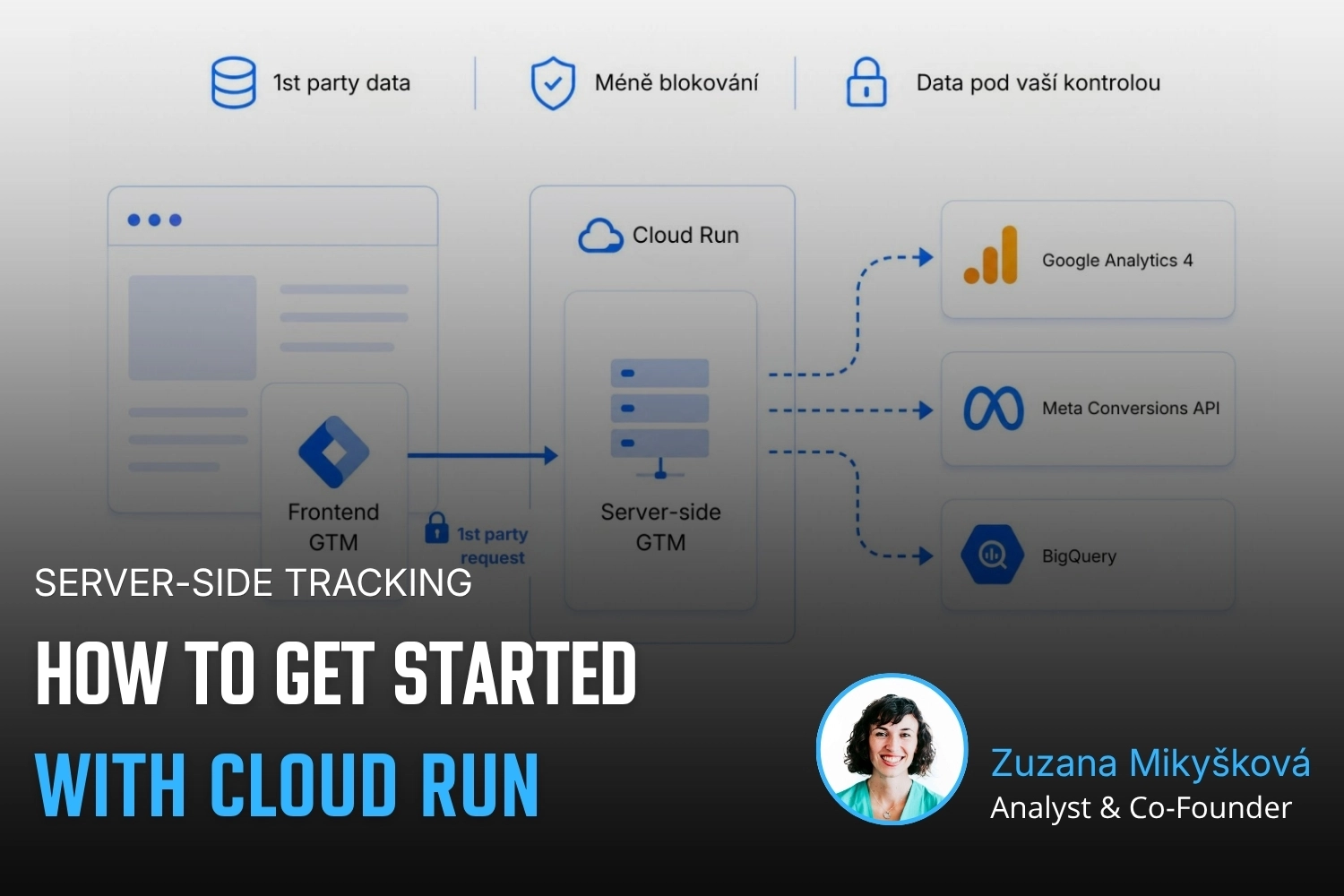
This four-part series offers a practical guide to server-side tracking: from choosing between Cloud Run and Stape to setting up frontend GTM, monitoring your server and exploring advanced options such as anonymous tracking.
Server-side tracking, part 2: Server-side tracking setup
This four-part series offers a practical guide to server-side tracking: from choosing between Cloud Run and Stape to setting up frontend GTM, monitoring your server and exploring advanced options such as anonymous tracking.
Soon
Comming soon
Part
3
/
4
Server-side tracking, part 3: Server monitoring and operation
This four-part series offers a practical guide to server-side tracking: from choosing between Cloud Run and Stape to setting up frontend GTM, monitoring your server and exploring advanced options such as anonymous tracking.
Soon
Comming soon
Part
4
/
4
Server-side tracking, part 4: Server-side anonymous tracking
This four-part series offers a practical guide to server-side tracking: from choosing between Cloud Run and Stape to setting up frontend GTM, monitoring your server and exploring advanced options such as anonymous tracking.